
Xtream IPTV Subscription Made Simple
Looking for Xtream IPTV? Explore our subscription plans, check device compatibility, and request a free trial through WhatsApp.
Check device compatibility
Works on Your Devices
Compatible with Smart TV, Fire TV, Android, iOS, and more.
Simple Setup
Clear, step-by-step instructions to get connected quickly.
Try It Free First
Start with a free Xtream IPTV trial before choosing a plan.
Independent & Unbiased
Not affiliated with any provider or player — no rankings, no endorsements.
Xtream IPTV Subscription Plans
Choose the plan length that fits you — no hidden fees, no artificial urgency.
1 Month
One-time payment- Multi-device access
- HD & 4K playback support
- Live TV streaming support
- Movies & series playback
- EPG / TV guide support
- M3U playlist support
- Xtream Codes API support
- Standard support
One-time payment for 1 month of access.


3 Months
One-time payment- Multi-device access
- HD & 4K playback support
- Live TV streaming support
- Movies & series playback
- EPG / TV guide support
- M3U playlist support
- Xtream Codes API support
- Priority support
One-time payment for 3 months of access.
12 Months
One-time payment- Multi-device access
- HD & 4K playback support
- Live TV streaming support
- Movies & series playback
- EPG / TV guide support
- M3U playlist support
- Xtream Codes API support
- Priority support
- Best value per month
One-time payment for 12 months of access — our best per-month rate.
6 Months
One-time payment- Multi-device access
- HD & 4K playback support
- Live TV streaming support
- Movies & series playback
- EPG / TV guide support
- M3U playlist support
- Xtream Codes API support
- Priority support
One-time payment for 6 months of access.
Get Started in Just 4 Easy Steps
From choosing your plan to getting set up, everything is clear and easy to follow.
Choose a Plan
Compare the available plans and choose the option that fits your needs.
- Flexible plan options
- Clear pricing, no hidden fees
- Simple ordering process
Receive Your Access Details
Once your order is complete, you'll receive the connection details needed for your compatible player.
- Access details provided
- Clear setup information
- Support when needed
Set Up a Compatible Player
Install a compatible player on your device using our step-by-step setup guides.
- Device-specific guides
- Easy setup instructions
- Multiple player options
Connect and Start Watching
Enter your connection details in the compatible player and complete the setup.
- Simple connection process
- Device-specific guidance
- Troubleshooting resources
Choose a Plan
Compare the available plans and choose the option that fits your needs.
- Flexible plan options
- Clear pricing, no hidden fees
- Simple ordering process
Receive Your Access Details
Once your order is complete, you'll receive the connection details needed for your compatible player.
- Access details provided
- Clear setup information
- Support when needed
Set Up a Compatible Player
Install a compatible player on your device using our step-by-step setup guides.
- Device-specific guides
- Easy setup instructions
- Multiple player options
Connect and Start Watching
Enter your connection details in the compatible player and complete the setup.
- Simple connection process
- Device-specific guidance
- Troubleshooting resources
Explore available plans and choose the option that fits your setup.
Popular Device Guides
Find step-by-step instructions for your device and start streaming today.


Understanding Xtream-style IPTV access
“Xtream IPTV” refers to a common connection format used by compatible player apps to load content and program guide data from a service provider. Instead of downloading anything directly, your player connects to a server using a set of access details.
A player and a content provider are two different things: the player is the app you install on your device, while the provider supplies the server address, username, and password (or an M3U link) that the player connects to. Because setup steps vary by device, choosing the right player for your hardware matters.
Your provider supplies these details; a compatible player app uses them to connect and organize your content.
Built around how you actually watch
A focused set of features designed to make setup and everyday use straightforward.
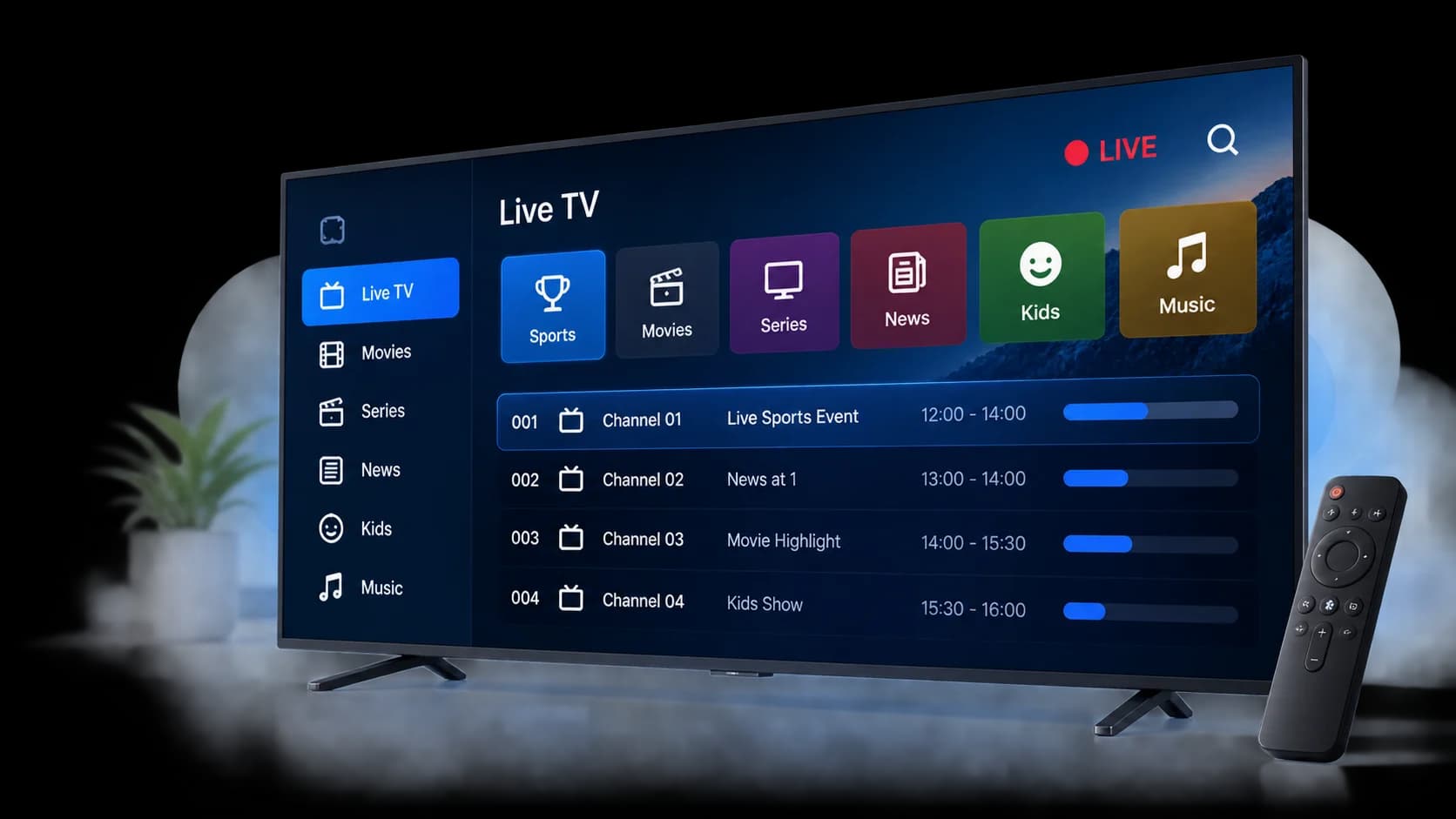
Live TV organization
Live channels are grouped into clear categories, making it easier to find what you want to watch instead of scrolling through an unsorted list.
VOD organization
Movies and series are organized so on-demand content is easy to browse.
EPG support
An electronic program guide shows what's on and what's coming up, where available.
Multi-device compatibility
Set up a compatible player across the devices you already use.
Simple setup
Step-by-step guides walk you through connecting your player.
Helpful support resources
Documentation and a clear support path when you need help.
Popular Xtream IPTV setup guides
Practical, step-by-step instructions for the most common devices.
Frequently asked questions
What is Xtream IPTV?
Xtream IPTV refers to a common connection format used by compatible player apps to load live channels, video-on-demand, and program guide data from a service using a server address, username, and password.
Read the full beginner's guideHow does Xtream IPTV work?
A compatible player app connects to your service using your access details, then organizes the available content into categories such as live channels, movies, and series, along with a program guide where available.
What is IPTV?What devices are supported?
Setup guides are available for Smart TVs, Android TV, Google TV, Fire TV, Apple TV, Android phones and tablets, iPhone and iPad, Windows, and Mac. See the Devices page for device-specific instructions.
What do I need to set up Xtream IPTV?
You'll typically need your access details (server URL, username, and password, or an M3U link) and a compatible player app installed on your device. Our setup guides walk through entering these details step by step.
Can I use Xtream IPTV on a Smart TV?
Yes. Most modern Smart TVs support a compatible IPTV player, either through a pre-installed app store or by sideloading, depending on the TV's operating system. See the Smart TV setup guide for details.
How do I troubleshoot a connection problem?
Start by confirming your access details were entered correctly, check your internet connection, and restart the player app. Our setup guides include troubleshooting steps specific to each device.
Ready to explore Xtream IPTV Pro?
Try our service free before choosing a plan, or compare pricing to see what fits your streaming setup.