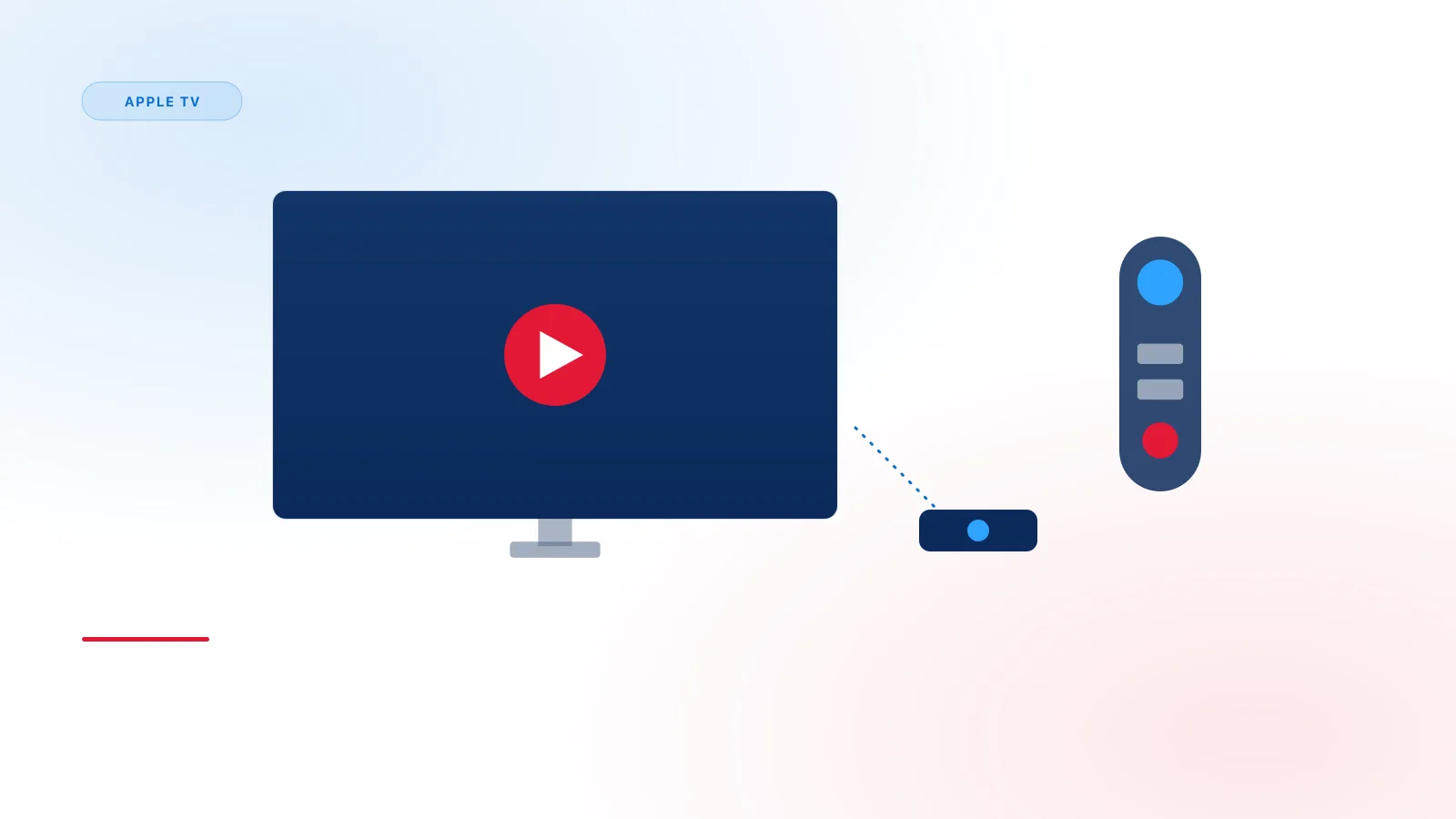
Apple TV takes a more locked-down approach to app installation than Android-based platforms, which changes both what's available and how you'll enter your access details.
App Store Only — No Sideloading
Unlike Fire TV or Android TV, Apple TV only allows apps distributed through the official App Store. This means:
- You won't find instructions involving APK files or third-party installers for Apple TV — they don't apply.
- Player availability depends entirely on what's published and approved in the App Store at any given time. IPTV Smarters Pro is one example of an independent, App Store-distributed player available on Apple TV — see Xtream IPTV Player Explained for more examples and the relationship between these third-party apps and Xtream IPTV Pro.
If a specific player you've seen recommended elsewhere isn't in the App Store, it may have been removed or was never available for tvOS — check the App Store search directly rather than assuming installation steps from other platforms will work.
Text Entry on Apple TV
Entering a server URL, username, and password with the Siri Remote can be slow. Two things help:
- The Apple TV Remote app on your iPhone lets you type using your phone's keyboard instead of the on-screen remote interface.
- Double-checking before saving — because remote-based typing is more error-prone, review each field carefully before confirming.
Common Apple TV-Specific Issues
- If the App Store shows a player as unavailable in your region, that's an App Store distribution restriction, unrelated to your IPTV access details.
- tvOS updates occasionally require players to be updated too — if a previously working app suddenly won't open, check for a pending app update in the App Store.
Full Setup Steps
For the complete walkthrough, see our Apple TV setup guide.
Related Reading
If you're setting up on an iPhone or iPad as well, our Android setup guide covers the Android side, or see What Is Xtream IPTV? for the basics.