"IPTV player" is one of the most commonly searched — and commonly misunderstood — terms in this space. This article clears up exactly what a player does, and just as importantly, what it doesn't do.
What a Player Is
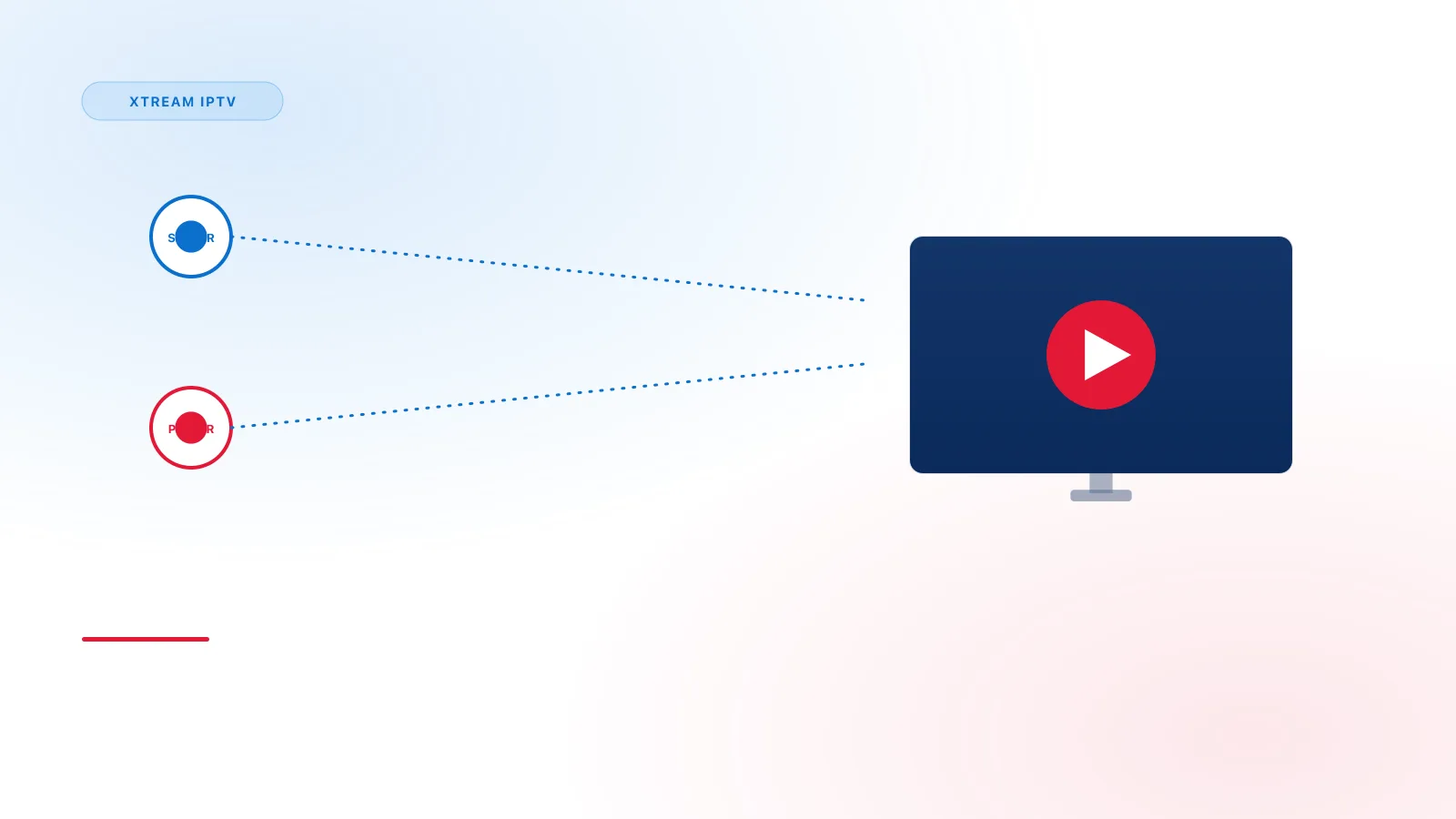
An IPTV player is an application. That's it. It's installed on a device the same way any other app is, and its job is to:
- Accept your connection details (server URL, username, password, or an M3U link)
- Fetch the list of channels and video-on-demand titles from that connection
- Display an interface for browsing and playing that content
- Show program guide (EPG) data, if the connected service provides it
A player has no content of its own. Two people using the same player app, connected to two different services, will see completely different channel lineups.
Player vs. Playlist vs. Provider
These three terms are related but distinct:
| Term | What it is |
|---|---|
| Player | The app installed on your device |
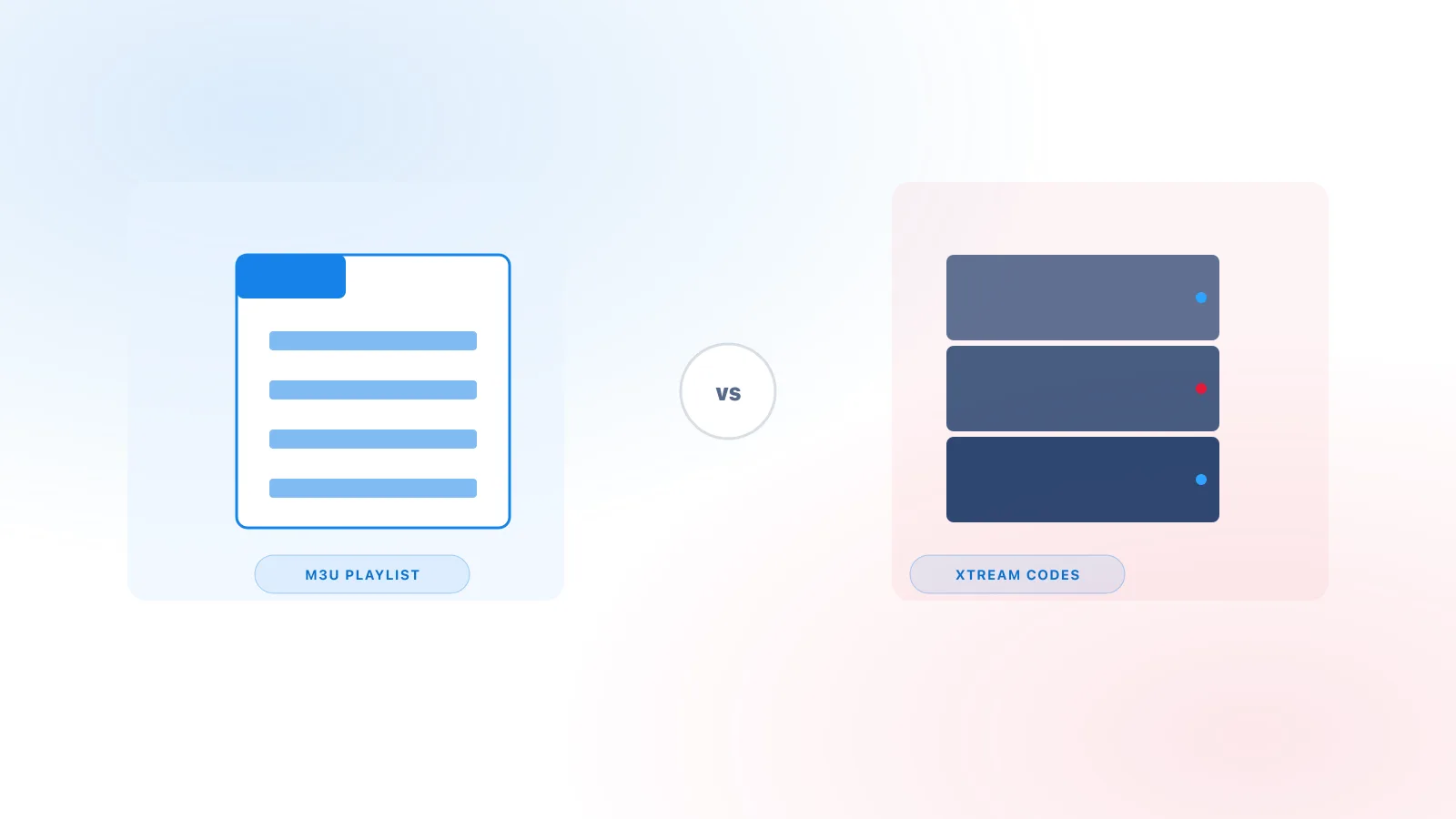
| Playlist / access method | The credentials or M3U link that tells the player where to fetch content |
| Provider | The party operating the server that supplies the actual content |
The "access method" row covers two different formats — a single M3U link or an Xtream Codes-style login (server URL, username, password). See M3U vs Xtream Codes for how they compare.
A common point of confusion: people say "the player isn't working" when the actual issue is with the access details or the provider's server. Since the player is just the display layer, troubleshooting usually starts by checking the connection, not the app itself.
If a player loads correctly with a demo or test playlist but not with your actual access details, the issue is almost always in the connection details or the provider's server — not the player app.
What to Look For in a Compatible Player
Not every player supports every login method. When choosing one for your device, check that it explicitly supports:
- Xtream API login (server URL + username + password)
- M3U URL login, as an alternative
- EPG display, if you want a program guide
- Your specific device platform — see our device setup guides for what's confirmed to work where
Examples of Compatible Players
Several independent, third-party player apps support Xtream-style logins and M3U links. Examples include TiviMate, IPTV Smarters Pro, GSE Smart IPTV, Kodi, and VLC. These are mentioned here purely as real, widely available examples of what this kind of player looks like — Xtream IPTV Pro is not affiliated with, does not endorse, and has no partnership with any of these apps. Platform availability, features, and pricing are set entirely by each app's own developer and can change at any time.
Player Availability by Platform
Where you find a compatible player depends on the platform:
- Android, Android TV, Google TV — Google Play Store
- Fire TV — Amazon Appstore, or sideloaded
- Apple TV, iPhone/iPad — App Store only
- Windows, Mac — Microsoft Store, Mac App Store, or a direct download from the developer
In Summary
A player is software, not a content source. Once you separate "which app am I using" from "what service is it connected to," most IPTV setup confusion clears up quickly. For the practical side of getting connected, see What Is Xtream IPTV? or jump to a device-specific setup guide.