
If you've used a cable or satellite box, you're already familiar with the program guide — the on-screen grid showing what's currently playing and what's coming up next. IPTV players offer the same concept, called an EPG, but with a few important differences in how it's delivered.
What EPG Stands For
EPG stands for Electronic Program Guide. It's a data feed listing scheduled programs for each channel — titles, air times, and often short descriptions — that a compatible player displays as a browsable grid or list.
How Compatible Players Get EPG Data
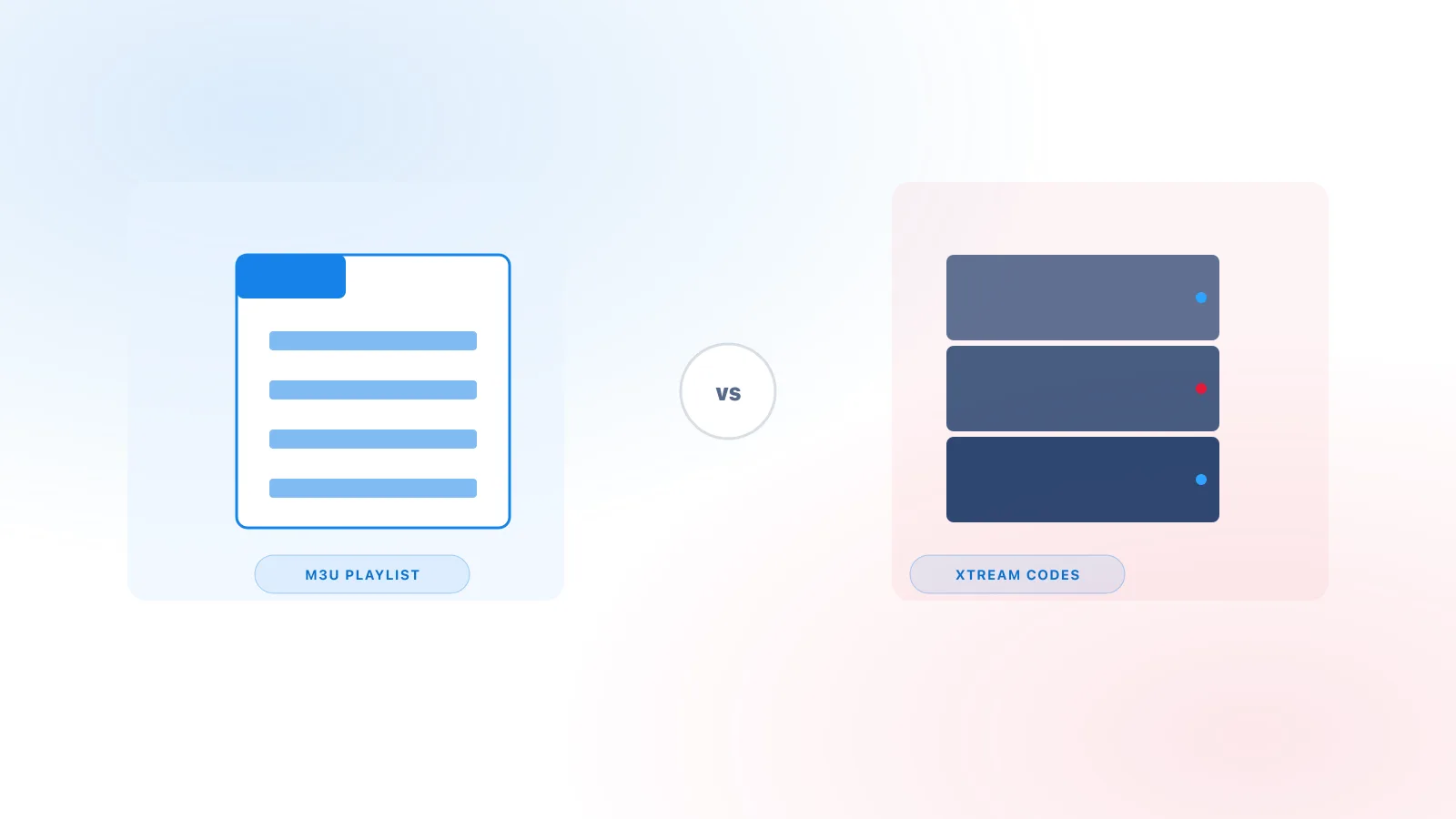
Unlike cable boxes, which receive guide data through the same broadcast signal as the channels themselves, IPTV players typically pull EPG data as a separate feed — often as an XMLTV file supplied by the same provider as your channel list. Whether EPG comes bundled automatically or needs a separate URL often depends on your connection method — see M3U vs Xtream Codes for that distinction. This is why:
- Channels can appear and load correctly while the guide is still empty or incomplete.
- Guide data sometimes updates on a different schedule than the channel list itself.
Not every service provider supplies EPG data at all. If your channels work but no guide ever appears, it may simply not be offered, rather than a setup problem.
How the Guide Is Displayed
Most players present EPG in one of two formats:
- Grid view — channels listed vertically with a horizontal timeline, similar to a traditional cable guide.
- List view — a simpler "now and next" list per channel, without the full timeline.
Which format is available depends on the player app, not the underlying data.
Common Reasons Guide Data May Be Missing
- Still loading — larger channel lists with full guide data can take several minutes to populate after first connecting.
- Provider doesn't supply it — as noted above, EPG is an optional feed, not a guaranteed feature of every service.
- Cache issue — some players cache guide data locally and need a manual refresh (often in Settings) if it becomes stale. Independent players such as TiviMate and IPTV Smarters Pro (see Xtream IPTV Player Explained), for example, each include their own "Clear EPG Cache" option in their settings menu — check your specific player's settings for the equivalent.
- Time zone mismatch — occasionally guide data displays with incorrect times if the player's time zone setting doesn't match your provider's feed.
Getting the Most Out of Your Guide
If your player supports it, look for a manual "refresh guide" or "update EPG" option in settings rather than waiting indefinitely. And if you're troubleshooting a guide that never appears at all, see our full troubleshooting guide for a broader checklist.
Related Reading
For a refresher on what a player actually does versus what your provider supplies, see Xtream IPTV Player Explained.